Scatter Plots and Line of Best Fit Visualizer
By Micah's Learning Resources
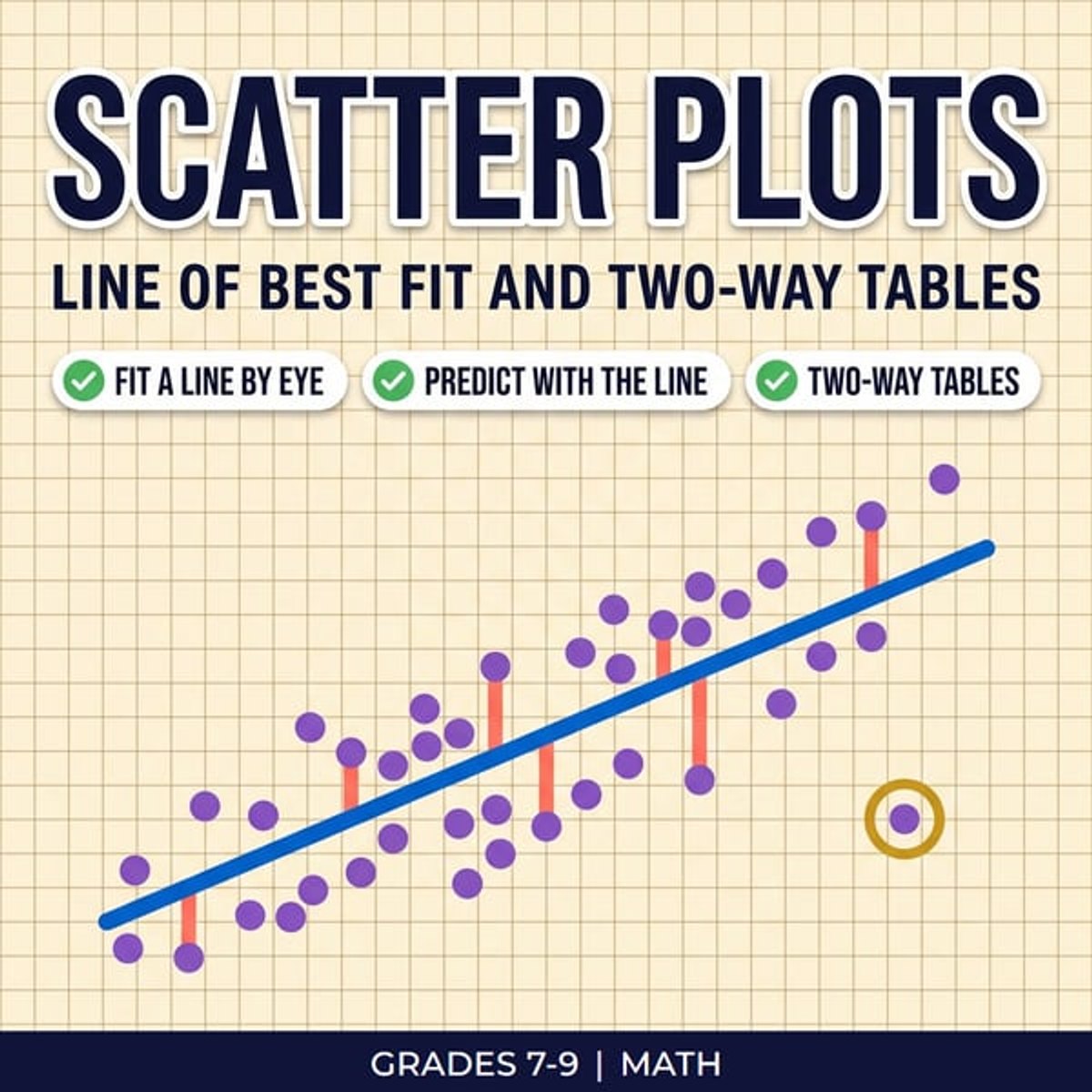
A scatter plots lesson students can see. They drag a line through the data and watch every miss turn into a square. A meter adds up the square area, and the line with the smallest total is the line of best fit. The same file covers describing scatter plots, predicting with the line, and two-way tables, so all four 8.SP.A standards are in one place. What's Included: - Plot it view: points fly from the table onto the graph, and the panel names the direction, form and strength, rings outliers and boxes clusters. Six data sets, including a thrown ball for a nonlinear pattern - Drag any point away from the others and watch the line of best fit pull toward it - Fit a line view: drag two handles to fit a line by eye, see each miss as a segment and then as a square, and press Show me to slide to the least squares line - Use the line view: the slope and y-intercept explained in plain sentences for each data set, plus a crosshair that reads predictions off the line. Past the data the graph shades in and flags predictions that cannot happen, like a test score over 100 - Two-way tables view: students in a survey sort into the table, totals add up, and rows or columns turn into percent bars that show whether the two answers are connected. Three surveys to explore - 17 guided steps with a Show me button, and Check yourself questions in every view, built from new made-up data each time, with feedback that explains the answer on the graph How to Use: Project the Fit a line view to open the l